
Are you looking to add some flexibility to your online shopping? If you have a Visa gift card, you might be wondering how to use it with PayPal.
The good news is that adding your gift card to your PayPal account is a straightforward process that opens up a world of possibilities. Imagine being able to make purchases, pay bills, or even send money to friends using your gift card balance.
In this guide, we’ll walk you through each step, ensuring you can easily navigate the process. By the end, you’ll have all the tools you need to make the most of your Visa gift card with PayPal. Let’s get started!
Credit: www.businessinsider.com
Adding A Visa Gift Card To Your Paypal Wallet
Adding a Visa gift card to your PayPal wallet is easy. This lets you use your gift card balance for online purchases. Follow these simple steps to complete the process smoothly.
Step 1: Log Into Your Paypal Account
Start by visiting the PayPal website. Enter your email and password. Click the “Log In” button. This takes you to your account dashboard.
Step 2: Go To Your Wallet
Once you are logged in, find the “Wallet” option. It is usually at the top of the page. Click on it to open your wallet settings.
Step 3: Add A New Card
Look for the “Link a Card” or “Add a Card” button. Click it to start adding your Visa gift card. You will see a form for card details.
Step 4: Enter Your Card Information
Fill in the required details. Enter the card number, expiration date, and security code. Make sure the information is correct.
Step 5: Confirm Your Card
After entering the details, click on “Save” or “Link Card.” PayPal may ask for verification. Follow any prompts to confirm your card.
Step 6: Check Your Wallet
Go back to your wallet. Your Visa gift card should now appear there. You are ready to use it for purchases.
Step 7: Using Your Gift Card
When you make a purchase, choose your gift card as a payment method. PayPal will use the balance on the card. Enjoy shopping with your added funds.
Checking The Balance On Your Gift Card
Before you can successfully add a Visa gift card to your PayPal account, it’s essential to know how much balance is available on that card. Checking the balance helps avoid any surprises during transactions. It’s a straightforward process that ensures you can spend the full amount without hassle.
Why Check The Balance?
Knowing the balance on your Visa gift card is crucial for effective budgeting. You wouldn’t want to attempt a purchase and find out the funds are insufficient.
For example, I once tried to buy a pair of shoes online using a gift card, only to discover I didn’t check the balance first. I had to scramble for another payment method at the last minute. That experience taught me the importance of verifying the balance beforehand.
How To Check Your Balance
There are several easy ways to check your Visa gift card balance:
- Visit the gift card issuer’s website.
- Call the customer service number printed on the back of the card.
- Use any mobile app provided by the issuer.
Each of these methods is quick and user-friendly. Just be sure to have your card handy, as you may need to enter the card number and security code.
Common Issues You Might Encounter
Sometimes, checking the balance might not go as smoothly as planned. You might run into issues like:
- Website errors or downtime.
- Incorrect details entered, leading to balance inquiries being denied.
- Unrecognized card numbers if the card is not activated properly.
These situations can be frustrating, but they’re usually easy to resolve. Just double-check the information you enter or reach out to customer support for assistance.
What To Do If Your Balance Is Low
Discovering a low balance can be disheartening, especially if you had your eye on something special. You can either:
- Top up the gift card if the issuer allows it.
- Combine the gift card with another payment method at checkout.
Being flexible with your payment options can help you make the purchase you want without delay.
Checking the balance on your Visa gift card is a small step that can save you from unnecessary complications. Have you checked your balance recently? It might just be the key to a seamless shopping experience.
Linking The Card To Your Paypal Account
Linking your Visa gift card to PayPal is a straightforward process. Start by logging into your PayPal account. Then, navigate to the wallet section to add your card details. Follow the prompts, and your card will be ready for use.
Linking your Visa gift card to your PayPal account opens up a world of convenience. It allows you to shop online seamlessly, using your gift card balance wherever PayPal is accepted. Let’s go through the steps to make this process smooth and straightforward.
Accessing The Wallet Section
Start by logging into your PayPal account.
Once you’re in, navigate to the “Wallet” section.
This is where you can manage all your linked cards and bank accounts.
You’ll find an option to “Link a card”. Click on that to begin the linking process.
Entering Card Details
Now, it’s time to enter your Visa gift card details.
You’ll need to provide the card number, expiration date, and the security code found on the back.
Be sure to enter the billing address associated with the gift card, if prompted.
Double-check your details for accuracy to avoid any issues later on.
Verifying The Card
After entering your information, PayPal may require you to verify the card.
This usually involves a small temporary charge to confirm the card’s validity.
Check your card statement for this charge and follow the instructions provided by PayPal to complete the verification.
Once verified, your Visa gift card will be linked to your PayPal account, ready for use!
Linking your Visa gift card can make online shopping much easier. Have you experienced any issues during this process? What tips would you share with others?
Troubleshooting Common Issues
Adding a Visa gift card to PayPal can sometimes lead to problems. Users often face specific issues that prevent successful addition. Here, we will discuss common errors and how to fix them.
Card Declined Errors
Sometimes, your card may be declined during the process. This can happen for various reasons. First, check your card balance. Ensure it has enough funds for the transaction.
Next, confirm the card details. Make sure the card number, expiration date, and CVV are correct. Any small mistake can lead to a decline.
Another reason may be PayPal’s restrictions. Some gift cards are not accepted. Verify if your card is eligible for PayPal.
Address Mismatch Problems
Address mismatch issues are common as well. PayPal requires your billing address to match the address linked to the card. Check that both addresses are the same.
Sometimes, gift cards do not have an address linked. If that is the case, try adding a temporary address to your PayPal account.
Updating your PayPal settings may help. Ensure your current address is accurate and matches the card’s address.
Resolving Paypal Verification Issues
PayPal may require verification for new cards. If you face verification issues, check your email. PayPal often sends instructions for verification.
Follow the steps in the email carefully. You may need to confirm your identity or provide additional information.
If issues persist, contact PayPal support. They can provide specific guidance based on your situation.
Using The Gift Card For Transactions
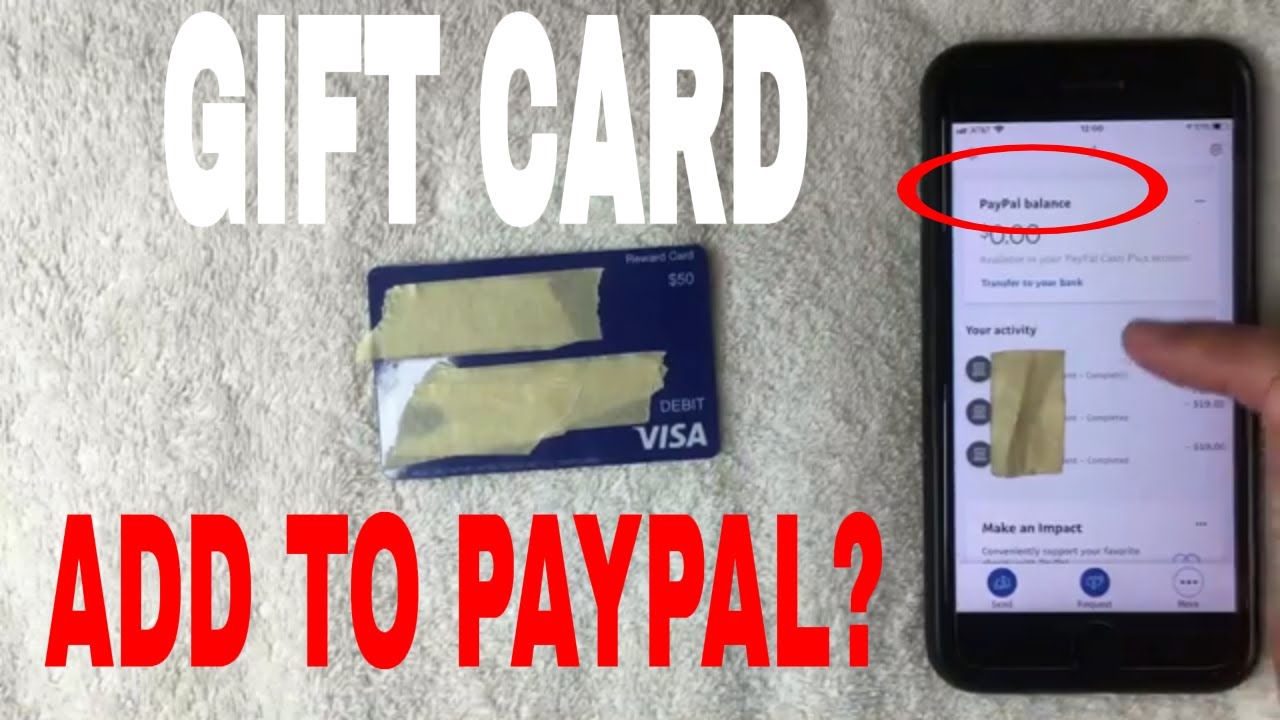
Adding a Visa gift card to PayPal is simple. This method allows you to use the card for online purchases. Follow the steps to link your gift card and enjoy hassle-free transactions.
Using a Visa gift card with PayPal can be a game changer for your online shopping experience. It allows you to use your gift card balance for various transactions. Let’s dive into how you can make the most of your Visa gift card when shopping online and transferring any remaining balance.
Making Purchases Online
Using your Visa gift card to make purchases online through PayPal is straightforward.
First, ensure your gift card is added to your PayPal account. Once it’s linked, you can select it as a payment option during checkout.
You can buy anything from clothes to electronics, making your shopping experience seamless.
Imagine wanting a new gadget and having the funds available on your gift card. Just select PayPal, choose your gift card, and finalize the purchase. It’s that easy!
Always check if the merchant accepts PayPal to avoid any hiccups. You wouldn’t want to miss out on a great deal because of payment issues.
Transferring The Balance
Transferring the balance from your Visa gift card to your PayPal account is a smart move if you want to use it for future purchases.
While the process may vary slightly, it generally involves adding the card as a funding source.
You can check the balance on your gift card and use it to pay for your next online order.
If you have a remaining balance after a purchase, transferring it can help you keep track of your funds.
Consider setting a reminder to check your balance regularly. It’s a simple way to ensure you make the most out of your gift card.
Have you ever lost track of a gift card balance? Don’t let that happen with your Visa gift card; keep it active and ready for your next online transaction.
Credit: lanxafrica.com
Credit: www.youtube.com
Frequently Asked Questions
How Do I Link My Visa Gift Card To Paypal?
To link a Visa gift card to PayPal, log into your PayPal account. Go to “Wallet” and select “Link a Card. ” Enter the card details, including the card number, expiration date, and CVV. Make sure the card is registered with your name and address for successful linking.
Can I Use A Visa Gift Card For Paypal Purchases?
Yes, you can use a Visa gift card for PayPal purchases. After linking the card, it can be used for transactions. Ensure the gift card has enough balance to cover the purchase amount. Some merchants may require additional verification before accepting gift cards as payment.
Is There A Fee For Adding A Gift Card To Paypal?
Typically, there is no fee to add a Visa gift card to PayPal. However, some cards may have activation fees or maintenance charges. Always check the terms and conditions of your specific gift card. This ensures you’re aware of any potential costs involved.
What If My Visa Gift Card Is Declined On Paypal?
If your Visa gift card is declined on PayPal, check the card balance first. Ensure the card is activated and linked correctly. Also, confirm that the card’s billing address matches your PayPal account. If issues persist, contact the card issuer for assistance.
Conclusion
Adding a Visa gift card to PayPal is simple. It opens more payment options for you. Follow the steps carefully for a smooth process. Check the card balance before adding it. This helps avoid issues later. PayPal allows you to use your gift card easily.
Enjoy shopping online without hassle. You can now make secure payments with confidence. Try it out today and experience the convenience. Your spending options just got easier.



