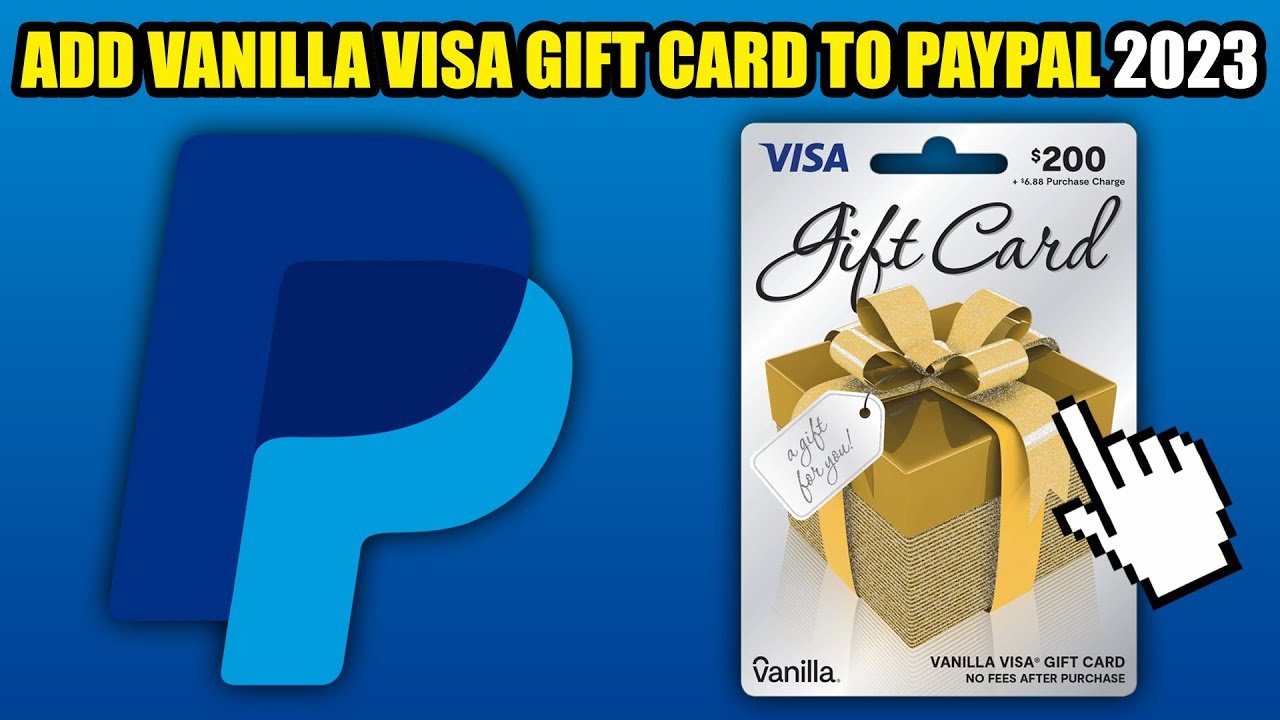

Are you looking to make the most of your Visa gift card? You’re not alone!
Many people want to use these cards on PayPal for online shopping, bill payments, or sending money to friends. But the process can seem tricky. Don’t worry; we’re here to guide you through it step by step. By the end of this article, you’ll be equipped with the knowledge to link your Visa gift card to your PayPal account with ease.
Ready to unlock a new way to spend your gift card? Let’s dive in!
Credit: www.businessinsider.com
Adding A Visa Gift Card To Your Paypal Wallet
Adding a Visa gift card to your PayPal wallet is simple. This lets you use the card online easily. Follow these steps to connect your gift card.
Step 1: Log Into Your Paypal Account
Start by logging into your PayPal account. Use your email and password. If you do not have an account, create one. It is free and quick.
Step 2: Go To Your Wallet
Once logged in, find the “Wallet” option. This is usually at the top of the page. Click on it to access your wallet settings.
Step 3: Link Your Visa Gift Card
Look for the option that says “Link a card.” Click on it. Enter your Visa gift card details. This includes the card number, expiration date, and security code.
Step 4: Confirm Your Card
After entering the details, click “Save.” PayPal may ask you to confirm the card. Check your email for a confirmation code. Enter this code on the PayPal site.
Step 5: Use Your Gift Card
Your Visa gift card is now linked to your PayPal wallet. You can use it for online purchases. Enjoy shopping with your gift card balance.
Checking The Balance On Your Visa Gift Card
Checking the balance on your Visa gift card is a crucial step before you add it to your PayPal account. Knowing exactly how much money is available helps you avoid any surprises when making purchases. Whether it’s a small treat or a bigger buy, understanding your balance ensures you can use your gift card effectively.
Why You Should Check Your Balance
Imagine getting ready to buy something online, only to find out your gift card doesn’t have enough funds. It’s frustrating, right? Checking your balance beforehand saves you from disappointment and ensures a smooth transaction.
Methods To Check Your Balance
You have a few easy options to check your Visa gift card balance:
- Online: Visit the card issuer’s website. They often have a dedicated page for checking balances.
- Phone: Call the number on the back of your card. Follow the prompts to hear your balance.
- In-Person: Some retailers allow you to check your balance at the register.
Keep Track Of Your Spending
As you use your gift card, jot down what you spend. This habit helps you avoid any confusion about your remaining balance. A simple note on your phone can do the trick.
What To Do If Your Balance Is Low
If you find your balance is lower than expected, consider using it for smaller purchases. You can also combine it with another payment method on PayPal. This way, you maximize the use of your gift card without any hassle.
Have you ever encountered issues with your gift card balance? Knowing how to check your balance makes your buying experience smoother. Take that extra moment to ensure your funds are ready for your next online adventure!
Registering Your Visa Gift Card Online
Registering your Visa gift card online is a crucial step to make it usable for online purchases, especially on platforms like PayPal. It enables you to access the funds on the card and use them just like any other debit card. Let’s dive into the simple steps to get your Visa gift card registered online.
Visit The Gift Card Issuer’s Website
Start by identifying the issuer of your Visa gift card. Each card usually has a website where you can register. This might be printed on the back of the card or in the accompanying documentation.
Once you find the correct website, navigate to the registration section. It’s often labeled as “Register Card” or “Activate Card.” Click on that link to proceed.
Provide Required Information
You’ll need to enter specific details from your card. This typically includes:
- Your gift card number
- The security code (CVV)
- Your name and billing address
Ensure that the information matches what’s on the card. Any discrepancies may lead to issues during the registration process.
Set Up Your Account
After entering your card details, you may need to create an account with the issuer. This step often involves choosing a username and password. Keep this information secure for future access.
Some issuers might send you a confirmation email. Make sure to check your inbox and follow any additional steps provided.
Check Your Registration Status
Once you’ve submitted your information, it’s wise to check if your card is successfully registered. You can usually do this by logging back into your account on the issuer’s website.
If you encounter any issues, don’t hesitate to reach out to customer service. They can help resolve any problems quickly.
Have you ever had trouble using a gift card online? Registering your card properly can save you from future headaches. Take the time to do it right, and you’ll enjoy a smoother shopping experience on PayPal and beyond.
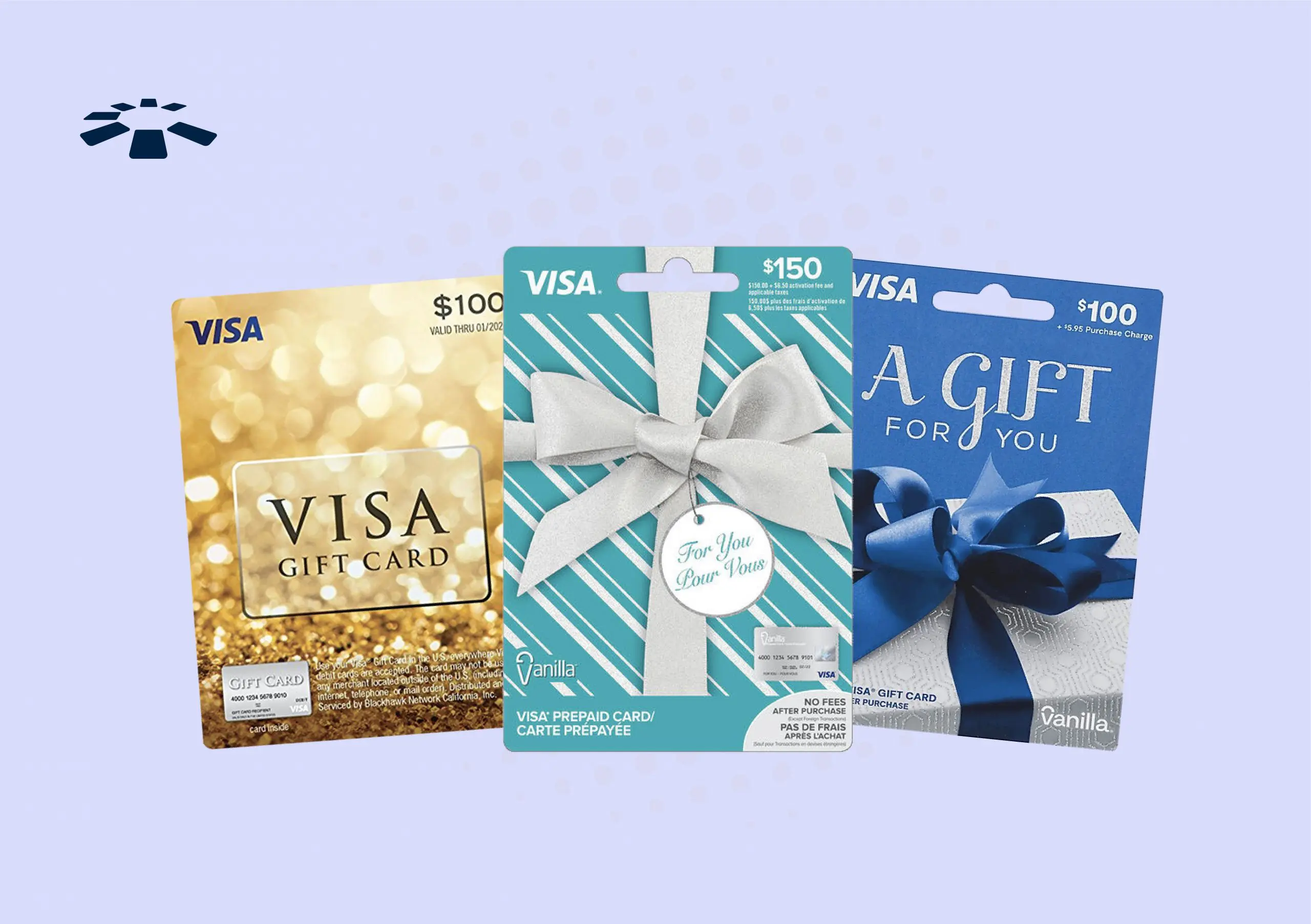
Credit: cardtonic.com
Linking The Card To Your Paypal Account
Linking a Visa gift card to your PayPal account is straightforward. First, log in to PayPal, then go to the “Wallet” section. Enter the gift card details to add it as a funding source. Enjoy using your gift card for online purchases with PayPal.
Linking your Visa gift card to your PayPal account can open up a world of convenience. It allows you to use your gift card balance for online purchases without hassle. If you’re ready to get started, follow these simple steps to ensure a smooth linking process.
Logging Into Your Paypal Account
First, head to the PayPal website or open the PayPal app on your device.
Enter your email and password to log in.
Make sure you’re using the correct account to avoid any confusion.
Once you’re in, you’ll be ready to navigate to the next step.
Navigating To The Wallet Section
After logging in, look for the “Wallet” option.
This section is usually located at the top of the page or in the navigation menu of the app.
Clicking on it will take you to your linked accounts and cards, where you can manage your payment options.
Adding A New Card
In the Wallet section, find the option that says “Link a card” or “Add a new card.”
You’ll need to enter your Visa gift card details, including the card number, expiration date, and security code.
Make sure everything is accurate to avoid any issues.
Once you’ve filled in the information, hit “Save.”
You can now use your Visa gift card balance for any PayPal transactions.
Have you thought about the benefits this brings? You gain more flexibility in how you manage your spending.
Confirming The Card Details
After adding your Visa gift card to PayPal, confirming the card details is essential. This step ensures your card works correctly. It also helps you avoid issues during transactions.
Entering The Card Information
Start by entering the card number. This number is on the front of the card. Next, add the expiration date. This date is also on the card. Finally, enter the security code. You can find this code on the back of the card.
Verifying The Billing Address
PayPal requires a billing address for the card. Enter the address linked to the card. If you do not know the address, check the card packaging. Ensure the address matches the one on file. This step helps in confirming your identity.
Credit: lanxafrica.com
Troubleshooting Common Issues
Adding a Visa gift card to PayPal can sometimes lead to issues. Common problems include card restrictions or incorrect details. Troubleshooting these issues helps ensure a smooth process. Follow simple steps to resolve them quickly and effectively.
Troubleshooting common issues is crucial when trying to add a Visa gift card to your PayPal account. Many users face hurdles that can turn a simple task into a frustrating experience. Let’s tackle some of the frequent problems you might encounter.
Resolving Card Decline Errors
Card decline errors can pop up unexpectedly. You might receive a message saying your card cannot be added. This often happens if the gift card isn’t activated or if it’s not compatible with PayPal.
To resolve this, ensure your gift card is activated. You can usually check the card balance and status by calling the number on the back of the card. If the card is active, double-check the information you entered in PayPal. Mistakes in the card number, expiration date, or security code can lead to declines.
Ensuring Sufficient Balance
A common oversight is not having enough balance on your Visa gift card. PayPal requires that your card has enough funds to cover the transaction. If your balance is low, the card won’t work.
To avoid this issue, check your card balance before trying to add it to PayPal. You can do this online or by calling customer service for the card. If your balance is insufficient, consider reloading the card or using it for smaller purchases until you can add it to your PayPal account.
Contacting Paypal Support
If you’ve tried everything and still face problems, don’t hesitate to reach out to PayPal support. They can provide specific insights related to your account.
You can contact them through their website, via the app, or by phone. Be ready to provide details about the issues you’re facing. This will help them assist you faster.
Have you ever faced a similar issue? How did you resolve it? Sharing your experience may help others in the same situation.
Using Your Visa Gift Card Through Paypal
Adding a Visa gift card to your PayPal account is easy. First, log in to PayPal and go to your wallet. Then, select “Link a card” and enter your gift card details. This way, you can use your gift card for online purchases smoothly.
Using Your Visa Gift Card Through PayPal can simplify your online shopping experience. Many people enjoy the flexibility and security of PayPal, and linking your Visa gift card allows you to use those funds seamlessly. Here’s how you can make the most of your gift card through PayPal.
Making Online Purchases
With your Visa gift card linked to PayPal, online shopping becomes a breeze.
Simply log into your PayPal account and navigate to “Wallet.”
Here, you can add your Visa gift card as a payment method.
Once added, you can use it just like any other debit or credit card when checking out at your favorite online stores.
Imagine the thrill of snagging that limited-edition item without worrying about overspending.
Your gift card balance will be used first, making it easy to stick to your budget.
If your purchase exceeds the gift card balance, PayPal will let you cover the remaining amount with another linked payment method.
This flexibility means you never have to leave anything behind.
Sending Money To Friends And Family
Sending money to friends and family is another fantastic way to use your Visa gift card through PayPal.
You can transfer your gift card funds directly to someone’s PayPal account.
This feature is especially useful when you want to share a meal cost or chip in for a group gift.
To do this, simply select “Send & Request” from the PayPal menu.
Enter your recipient’s email address and the amount you want to send.
Make sure to choose your Visa gift card as the funding source.
This method not only makes transactions easier, but it also adds a personal touch to your gifts.
You can even add a message to make it more special.
Have you ever thought about how convenient it is to send money instantly, especially when plans change last minute?
Using your Visa gift card through PayPal can be a game-changer in those situations.
It’s all about making your financial interactions smoother and more enjoyable.
Frequently Asked Questions
How Can I Add A Visa Gift Card To Paypal?
To add a Visa gift card to PayPal, log in to your PayPal account. Navigate to the “Wallet” section and select “Link a card. ” Enter the gift card details, including the card number, expiration date, and security code. Save the changes, and your card will be linked to your PayPal account.
Can I Use A Visa Gift Card For Paypal Purchases?
Yes, you can use a Visa gift card for PayPal purchases. However, ensure that the card is registered to your name and has sufficient funds. If the card balance is lower than the purchase amount, PayPal may decline the transaction.
Always check your card balance before shopping.
Is There A Fee For Adding A Visa Gift Card To Paypal?
There is generally no fee for adding a Visa gift card to PayPal. However, some card issuers may charge activation or maintenance fees. Always review the terms and conditions of your gift card to avoid unexpected charges. This ensures a smooth experience when using it on PayPal.
What If My Visa Gift Card Is Declined On Paypal?
If your Visa gift card is declined on PayPal, first check the card balance. Ensure the card is activated and linked to your PayPal account. Additionally, verify that the billing address matches the one on file with the card. If issues persist, contact the card issuer for assistance.
Conclusion
Adding a Visa gift card to your PayPal account is simple. Follow the steps outlined in this guide. It allows you to shop online easily. Enjoy the convenience of using your gift card for payments. Remember to check your balance before making purchases.
This helps avoid any issues during checkout. By using your Visa gift card on PayPal, you gain flexibility. It’s a great way to manage your spending. Take advantage of this method today. Happy shopping!



