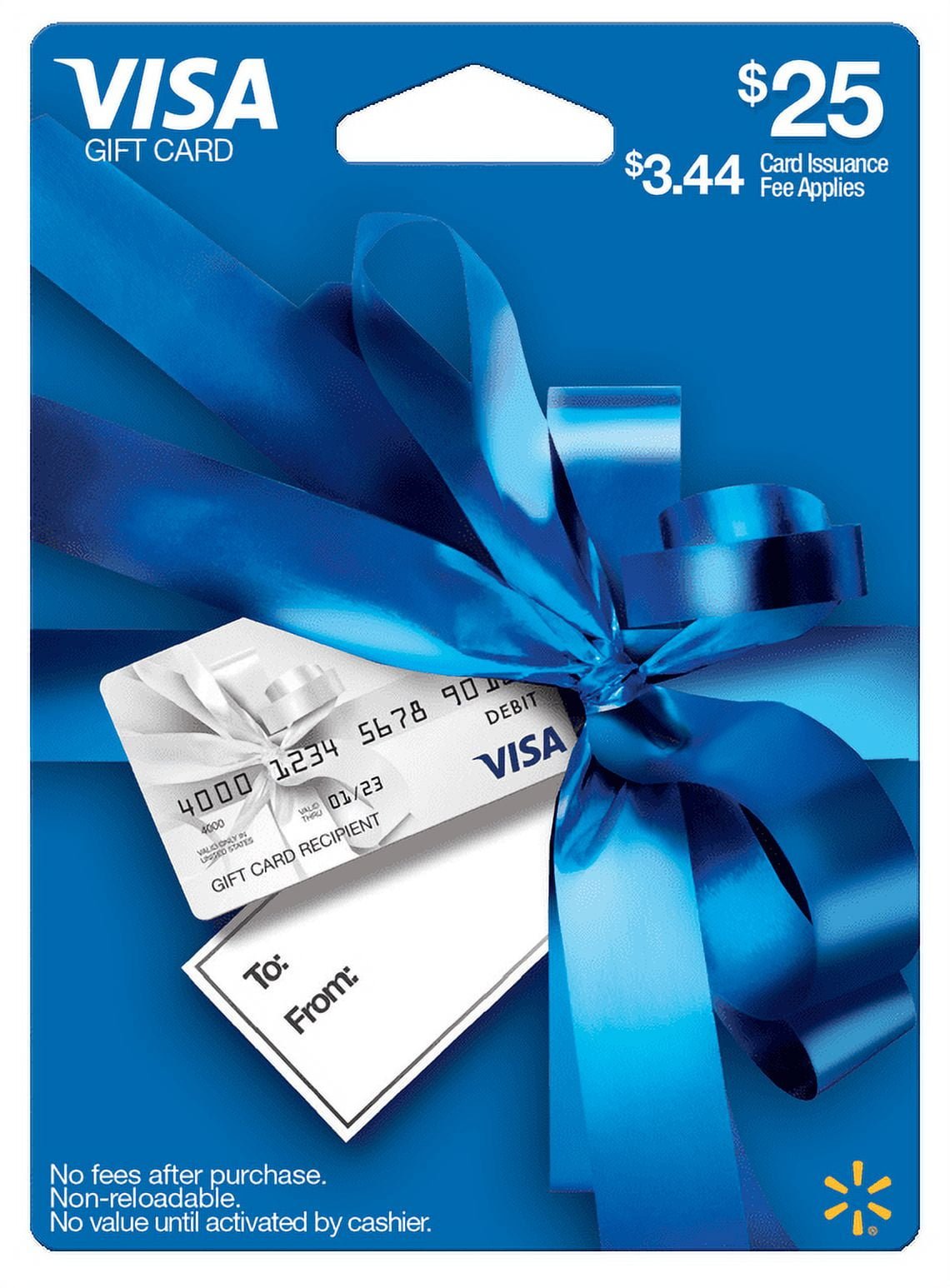

Ever found yourself with a Visa gift card and wondered how to use it on Walmart.com? You’re not alone.
Whether it’s a birthday gift, a reward for a job well done, or a spontaneous present, these cards can feel like a mini shopping spree waiting to happen. But figuring out how to make them work online can be a bit puzzling.
You’re eager to shop, but those pesky error messages or declined transactions can be frustrating. Don’t worry, you’re about to discover the simple, step-by-step process to unlock the full potential of your Visa gift card on Walmart. com. Keep reading to transform that piece of plastic into the shopping experience you deserve.

Getting Started With Your Visa Gift Card
First, make sure your Visa gift card is activated. Find the activation sticker on the card. Call the number or visit the website listed. Follow the simple steps to activate. This is very important. Without activation, the card won’t work.
Knowing your card’s balance is key. Look for the balance check number on your card. Dial the number or visit the website. Follow the steps to check how much money is on your card. Always check the balance before shopping. It helps avoid surprises at checkout.
Navigating Walmart.com
Start by visiting Walmart.com. You need an account. New users click “Sign Up”. Existing users, use “Log In”. Follow the steps for account creation. Enter your email and create a password. Confirm all details and submit. Check email for verification link. Click it to verify your account. Now, you can shop!
Use the search bar to find what you need. Type in the product name. Browse through the results. Check product details and reviews. Add items to your cart. Click “Add to Cart” for each item. Review your cart before checking out. Ensure all items are correct. You are ready for the next step!
Adding Items To Your Cart
Start by browsing the Walmart website. Find the items you want. Click on each item to see details. If you like it, press the “Add to Cart” button. This saves the item for you.
Check your cart often. Make sure all items are there. Update quantities if needed. Remove items you don’t want. Keep adding until you are ready to checkout.
Once done, view your cart. Double-check everything. Ensure all your choices are correct. Now, you are ready to use your Visa gift card.
Proceeding To Checkout
Check your cart before buying. Make sure all items are correct. You can remove unwanted items easily. Review your cart carefully. Look for any mistakes or missing items. This is important to avoid problems later. Check the total cost. Make sure it fits your budget.
Review Your Cart
Ensure your cart shows the right products. Compare the prices with the store. Make sure you are not paying extra. Verify the quantity of each item. This avoids surprises at checkout.
Apply Discounts Or Coupons
Use coupons to save money. Find the coupon box. It’s usually near the payment options. Enter your coupon code carefully. Check if the discount applied. This helps reduce the total price. Watch for special offers or sales. These can lower your costs even more. Saving money is always a good idea.
Entering Payment Information
Visit Walmart’s website and go to your cart. Click on the payment option. Choose the Visa Gift Card as your payment method. This option might be under ‘credit or debit card’. It’s important to select the right one.
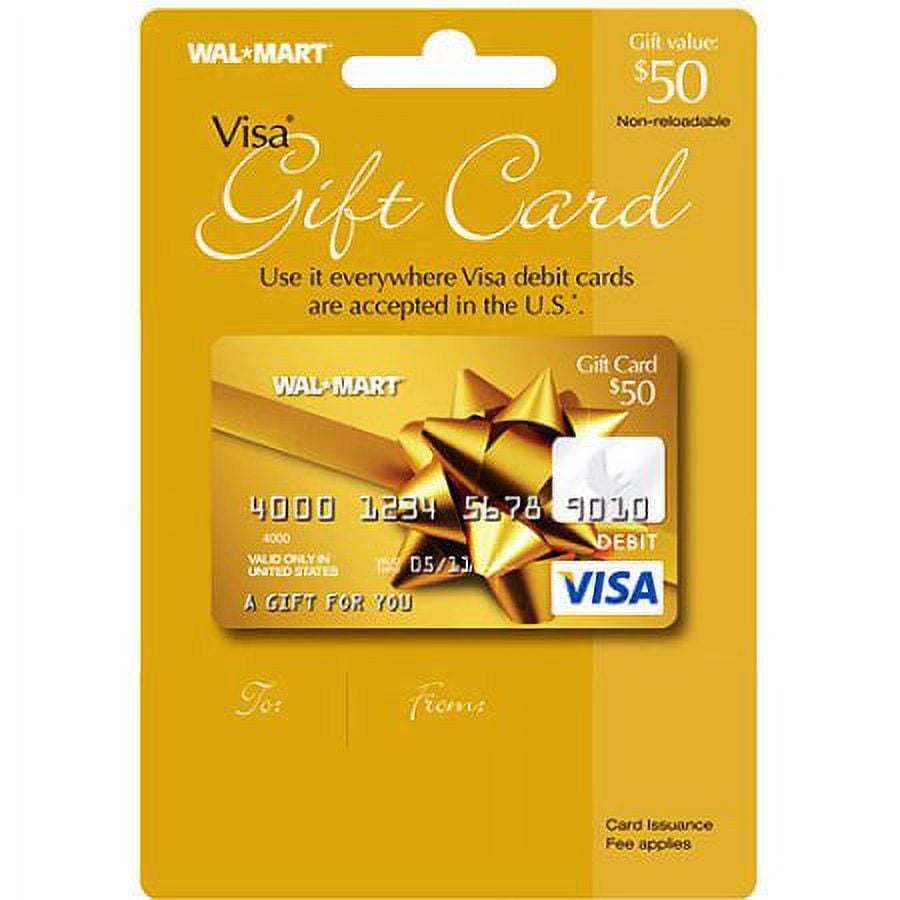
Find the numbers on your card. You will see a 16-digit card number. Enter it in the card number field. Next, look for the expiration date. Type it in the expiration field. You also need the security code. This is the three digits on the back. Finally, enter your billing address. It must match the card details. Double-check everything before you click submit.
Confirming Your Order
Check your cart carefully. Make sure everything is correct. Look at the item prices. See the shipping details. Double-check the quantity. Ensure the total amount matches. This helps avoid mistakes.
Click on checkout. Enter your Visa Gift Card details. Type the card number. Add the expiration date. Fill in the security code. Verify your billing address. Confirm the order. Wait for the confirmation email.
Troubleshooting Common Issues
Visa gift cards can decline for many reasons. First, check if the card has enough balance for the purchase. Sometimes, cards need to be activated before use. Follow the instructions on the card for activation. Always enter the card details correctly. Mistakes in numbers can lead to declines. Keep your card’s expiry date in mind. Expired cards won’t work. Make sure the card is not damaged or bent.
Some Visa gift cards have limits on how much you can spend. Check the card’s terms for any spending limits. If your purchase goes over the limit, the card may not work. You can try splitting the payment with another card. Always know the card’s balance before buying. This helps avoid issues at checkout. Contact the card issuer if you face problems. They can explain the card’s rules.
Maximizing Your Visa Gift Card
Sometimes, the Visa gift card may not cover the total amount. You can use another payment method to complete your purchase. This can be a credit card, debit card, or PayPal. First, use the gift card for part of the payment. Then, pay the rest with your chosen method. This way, you won’t waste any balance on your gift card. It’s a smart way to use every penny.
Always know how much is left on your gift card. Check your balance after each use. You can do this online or by phone. Knowing your balance helps you plan better. It ensures you never miss out on using your full amount. This way, shopping is easy and stress-free.
Frequently Asked Questions
How Do I Pay With A Visa Gift Card On Walmart.com?
To use a Visa gift card on Walmart. com, enter the card number at checkout. Ensure the gift card balance covers your purchase total, including taxes and shipping. If needed, use a second payment method to cover any remaining balance.
Always check for any restrictions or limitations.
Can I Use Multiple Visa Gift Cards Online?
Yes, you can use multiple Visa gift cards online. At checkout, enter the first gift card details. For remaining balance, add another card or payment method. Walmart allows combining payment methods, but ensure each card has sufficient funds for smooth transactions.
Are Visa Gift Cards Accepted For All Purchases?
Visa gift cards are accepted for most purchases on Walmart. com. However, some items, like subscription services, may require a credit card. Always check the payment terms of specific products. Ensure your gift card balance covers the total cost, including additional fees.
What If My Visa Gift Card Is Declined?
If your Visa gift card is declined, check the balance first. Ensure card information is entered correctly. Confirm the card is activated and valid. Contact the card issuer for assistance. Check if Walmart. com accepts gift cards for the purchase you’re attempting.
Conclusion
Using a Visa gift card on Walmart. com is straightforward. Check your card balance first. Then, add your items to the cart. At checkout, select ‘credit card’ as your payment option. Input your card details carefully. Ensure the billing address matches the registered one.
This prevents errors. If issues arise, contact customer service promptly. Now, shopping with a Visa gift card is hassle-free. Enjoy your online shopping experience. Remember these simple steps. Save time and avoid stress. Happy shopping!



