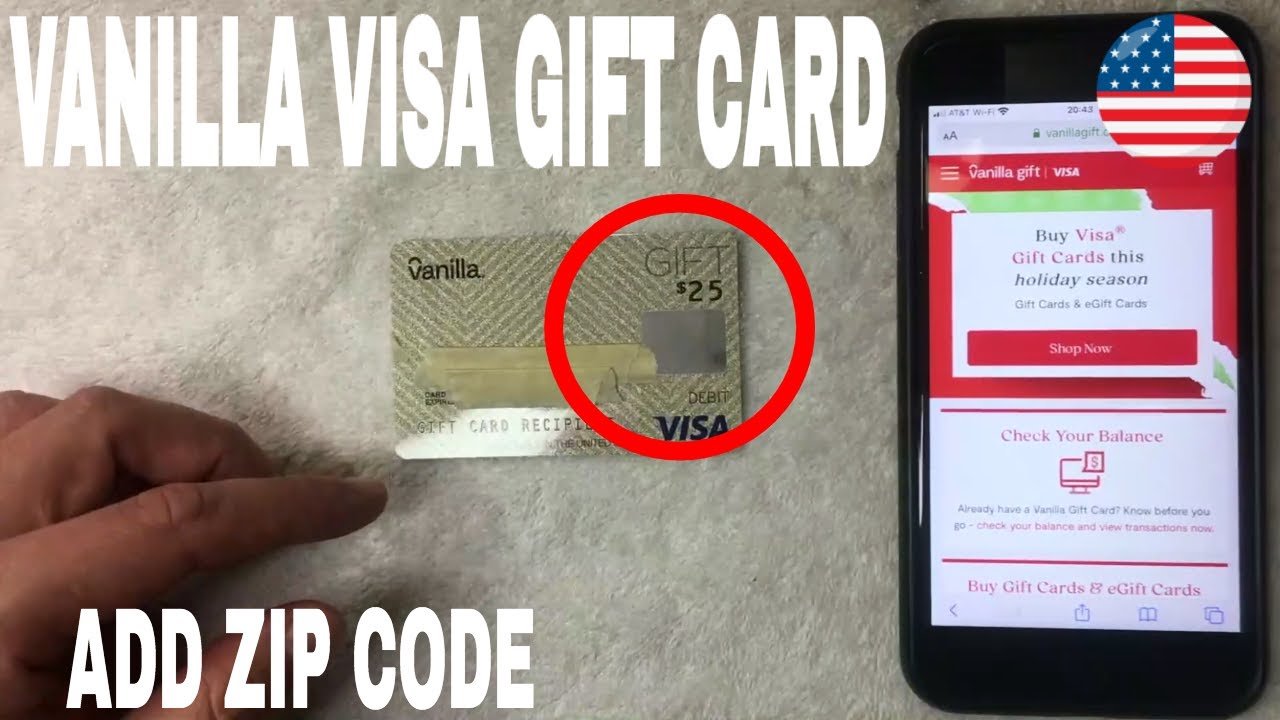

When you receive a Visa gift card, you might be excited to use it right away. But have you ever wondered about the zip code associated with it?
Understanding the zip code on a Visa gift card is crucial for making online purchases and ensuring smooth transactions. If you’ve faced issues checking out online or have questions about how this zip code works, you’re not alone. Many people find themselves confused about this aspect of their gift card.
By the end of this article, you’ll have a clear understanding of what the zip code is, why it matters, and how to use it effectively. Stick around to unlock the secrets of your Visa gift card and maximize its benefits!

Credit: blog.giftcardstonaira.com
What A Visa Gift Card Zip Code Is
Understanding what a Visa Gift Card zip code is can make your shopping experience smoother. This code plays a crucial role in online transactions and helps verify your identity. Knowing how it works can prevent headaches during checkout.
What Is A Visa Gift Card Zip Code?
A Visa Gift Card zip code is a five-digit code linked to your card. It usually matches the billing address you provided when you activated the card. This zip code helps merchants confirm your identity during online purchases.
Why does this matter? Without the correct zip code, transactions might be declined. You could miss out on that perfect gift or deal simply because of a number.
How To Find Your Visa Gift Card Zip Code
Finding your Visa Gift Card zip code is straightforward. When you activate your card, you usually enter your billing address.
- Check the activation instructions that came with the card.
- Look for an email confirmation if you activated it online.
- Call customer service for assistance if you’re unsure.
If you’ve forgotten the zip code, don’t panic. You can always revisit the activation process or contact support for help.
Why You Need To Use The Correct Zip Code
Using the correct zip code is essential for online shopping. It helps prevent fraud and ensures that your purchase goes through smoothly.
Think about this: Have you ever tried to buy something online, only to be stopped by a zip code error? It’s frustrating, right? That little number can make a big difference in your shopping experience.
Always double-check the zip code before hitting “submit.” It saves you time and ensures you get what you want without delay.
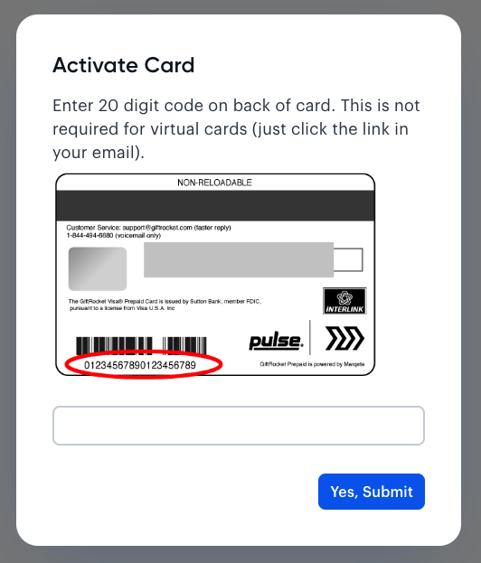
Credit: help.tremendous.com
Why A Zip Code Is Needed
Understanding why a zip code is needed on a Visa gift card is essential. It plays a crucial role in transactions. The zip code helps verify your identity. This process adds a layer of security. It also reduces fraud risks.
Transaction Security
Using a zip code enhances transaction security. It ensures the person using the card is the owner. This step helps prevent unauthorized use. Many online stores require this information. It protects both you and the retailer.
Address Verification
The zip code confirms your billing address. This is important for online purchases. Retailers want to make sure the card matches the address. If the addresses do not match, the transaction may fail. This keeps your finances safe.
Preventing Fraud
Fraud is a major concern in digital shopping. Zip codes help fight against this issue. They allow companies to track unusual activity. If a transaction seems suspicious, it can be flagged. This helps in stopping fraud before it happens.
Ease Of Use
Providing a zip code makes transactions easier. It streamlines the payment process. You can quickly confirm your identity. This means faster checkouts and fewer delays. A simple zip code makes shopping more efficient.
Finding The Zip Code On Your Card
Finding the zip code on your Visa gift card is essential for online shopping or when making purchases that require address verification. Many users overlook this detail, leading to confusion or declined transactions. Let’s dive into how you can easily locate the zip code on your card.
Check The Card Packaging
Often, the zip code is included on the card’s packaging. Look closely at any envelopes or boxes that came with your Visa gift card. This information is typically printed in a clear format, making it easy to find.
Visit The Card Issuer’s Website
If you can’t find the zip code on the packaging, visit the website of the card issuer. Most Visa gift cards have a dedicated portal where you can register your card. During the registration process, you’ll be prompted to enter your personal information, including your zip code.
Contact Customer Service
Still having trouble? Reach out to customer service for assistance. Have your card number ready, and they can provide the zip code you need. This is a quick way to resolve any issues you might encounter.
Use The Card’s Balance Inquiry Option
Many Visa gift cards offer a balance inquiry option. Call the number on the back of your card to check your balance. Sometimes, you’ll be asked for your zip code during this process, giving you the information you need.
Understanding how to find the zip code on your Visa gift card can save you time and frustration. Have you encountered any challenges while trying to use your gift card? Sharing your experience could help others navigate similar situations.
Setting Up Or Updating The Zip Code
Setting up or updating the zip code on a Visa gift card is simple. A correct zip code is essential for online purchases. It helps verify your identity and prevents fraud. If you have moved or received a card, updating the zip code is necessary.
This process can differ based on the card issuer. Some issuers allow changes online. Others may require a phone call or written request. Follow the steps below to easily update your zip code.
Checking Your Current Zip Code
Before making changes, check your current zip code. It is often printed on the card. If you don’t see it, visit the issuer’s website. Log in to your account to find this information. Knowing the current zip code helps avoid mistakes.
Updating The Zip Code Online
Many card issuers allow online updates. Visit the issuer’s official website. Look for the section on managing your card. You may need to log in to your account. Once logged in, find the option to update your zip code.
Enter your new zip code in the provided field. Review your information carefully. Submit the changes. You should receive a confirmation email shortly.
Updating The Zip Code By Phone
If online updates are not an option, call customer service. Use the number on the back of your card. Explain that you want to update your zip code. Be ready to provide your card number and personal details for verification.
Follow the representative’s instructions. They will guide you through the process. Make sure to write down any confirmation details.
Verifying Your Update
After updating, check to ensure the change is successful. Make a small purchase online. Use the new zip code during checkout. If the transaction goes through, your update worked.
If there are issues, contact customer service again. They can help resolve any problems. Keeping your zip code updated ensures smooth transactions.
Common Issues With Zip Codes
Zip codes can cause confusion with Visa gift cards. Often, these cards do not have a specific zip code tied to them. Users may need to enter their billing address zip code instead, leading to potential issues during online purchases.
Understanding this can help avoid payment problems.
Understanding common issues with zip codes on Visa gift cards can help you avoid frustrating situations. Many users face challenges that can lead to declined transactions or confusion over zip codes. Let’s dive into these issues and how to tackle them effectively.
Declined Transactions
One of the most frustrating experiences is when your transaction is unexpectedly declined. This often happens due to an incorrect zip code entry.
If the zip code on your card does not match what the merchant has on file, the transaction will fail.
Always double-check the zip code linked to your card before making a purchase. You can find this information by calling the customer service number on the back of your card.
Incorrect Or Missing Zip Code
Mistakes happen, and entering an incorrect zip code is a common issue. If you miss a digit or type an incorrect number, the result is often a declined transaction.
If you’re unsure about your zip code, verify it through the issuing bank’s website or customer service.
Remember, some merchants require a zip code to process transactions, especially online.
Have you ever faced this issue and had to scramble to fix it? Being prepared can save you time and stress.
Always ensure your zip code is correctly entered before hitting “purchase.”
By staying vigilant, you can enjoy your gift card without unnecessary hassle.
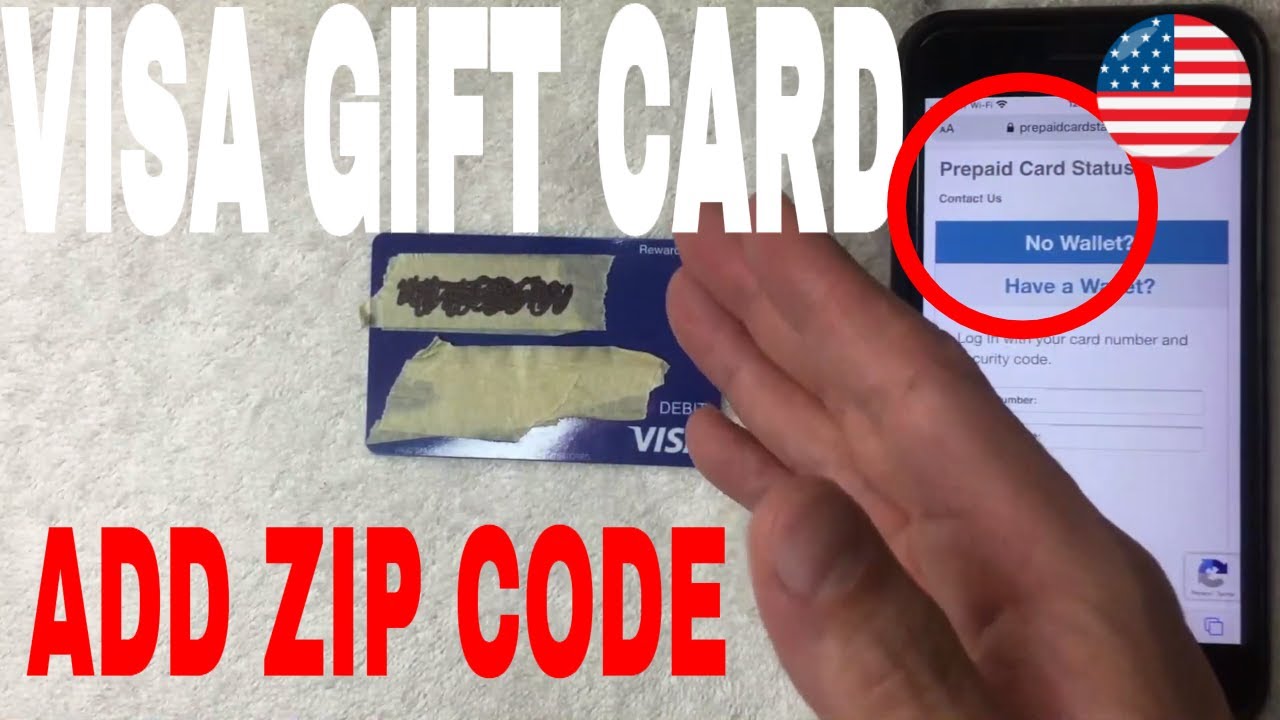
Credit: www.youtube.com
When To Contact Customer Support
Understanding your Visa gift card can be tricky. Sometimes, you may need help. Knowing when to reach out to customer support is important. Here are some situations where you might need assistance.
When Your Card Is Declined
It can be frustrating when your card does not work. If your card is declined, check the balance first. If there are funds available, contact support. They can help find the problem.
When You Can’t Find The Zip Code
The zip code is important for online purchases. If you don’t know the zip code, ask customer support. They can provide the correct information. This ensures your transactions go smoothly.
When You Notice Unauthorized Charges
Unauthorized charges can happen. If you see charges you did not make, act quickly. Contact customer support right away. They will help you investigate these charges.
When Your Card Is Lost Or Stolen
Losing a gift card is stressful. If your card is lost or stolen, report it immediately. Customer support can assist you in blocking the card. They can also guide you on how to get a replacement.
When You Have Questions About Fees
Understanding fees on your card is essential. If you have questions about fees, contact support. They can explain any charges. This helps you avoid surprises in the future.
Tips For Using Visa Gift Cards Online
Using Visa gift cards online can be a convenient way to shop. However, understanding how to maximize their use is key to ensuring a smooth transaction. Here are some practical tips to help you navigate the online shopping experience with your Visa gift card.
Check Your Balance Before Shopping
Always check your gift card balance before making a purchase. Many retailers require you to have enough funds to cover the entire transaction, including taxes and shipping fees.
You can usually check your balance on the card issuer’s website. This helps you avoid surprises at checkout. No one likes the disappointment of declined transactions!
Use The Correct Zip Code
When shopping online, you will often need to enter a zip code linked to your gift card. This is typically the billing address of the card, which can be a bit tricky.
If you don’t have an associated address, try using the zip code of the retailer’s location. Some sites may allow you to complete the purchase without a billing address, but it’s safer to double-check.
Know The Merchant’s Policy
Different merchants have different policies regarding gift cards. Some may not accept them for online purchases, while others do.
Always read the payment options on the checkout page. If you’re unsure, a quick phone call to customer service can save you time and frustration.
Be Mindful Of Expiration Dates
Check if your Visa gift card has an expiration date. Some cards do, while others remain valid as long as there is a balance.
Using the card before it expires ensures you don’t lose any money. Set a reminder on your phone if you need to.
Consider Partial Payments
If your purchase exceeds the balance on your gift card, some retailers allow split payments. You can pay with both your gift card and another payment method, like a credit card.
Just be aware that not all retailers offer this option. It’s always good to check beforehand.
Keep Your Receipt
After using your Visa gift card online, keep your receipt until you receive your order. This is essential for tracking your purchase and resolving any issues that might arise.
Should you need to return an item, having the receipt will make the process much easier.
Using these tips can enhance your online shopping experience with Visa gift cards. Have you had any challenges or successes using a gift card online? Share your experiences below!
Frequently Asked Questions
What Is A Visa Gift Card Zip Code?
A Visa gift card zip code is a postal code linked to your card. This zip code is often required for online purchases. It helps verify your identity and billing address. Make sure to register your card online to set a zip code.
How Do I Find My Visa Gift Card Zip Code?
To find your Visa gift card zip code, visit the card issuer’s website. You usually need to register your card first. After registration, you can set or view your associated zip code. Some issuers may provide customer service for assistance.
Can I Use My Visa Gift Card Without A Zip Code?
Yes, you can use your Visa gift card without a zip code. However, many online retailers require it for verification. If you don’t have a zip code registered, you may encounter issues. It’s best to register your card to avoid complications.
Do All Visa Gift Cards Require A Zip Code?
Not all Visa gift cards require a zip code. It depends on the retailer and type of transaction. Many online stores do need it for security purposes. Always check the requirements of the store before making a purchase.
Conclusion
Understanding the zip code on a Visa gift card is important. It helps with online shopping and account verification. Always check if the card requires a zip code before using it. This small detail can save you from issues at checkout.
Remember, you can often set your own zip code if needed. Knowing this can make your shopping experience smoother. Keep this information in mind for future purchases. A little knowledge goes a long way. Happy shopping with your Visa gift card!



