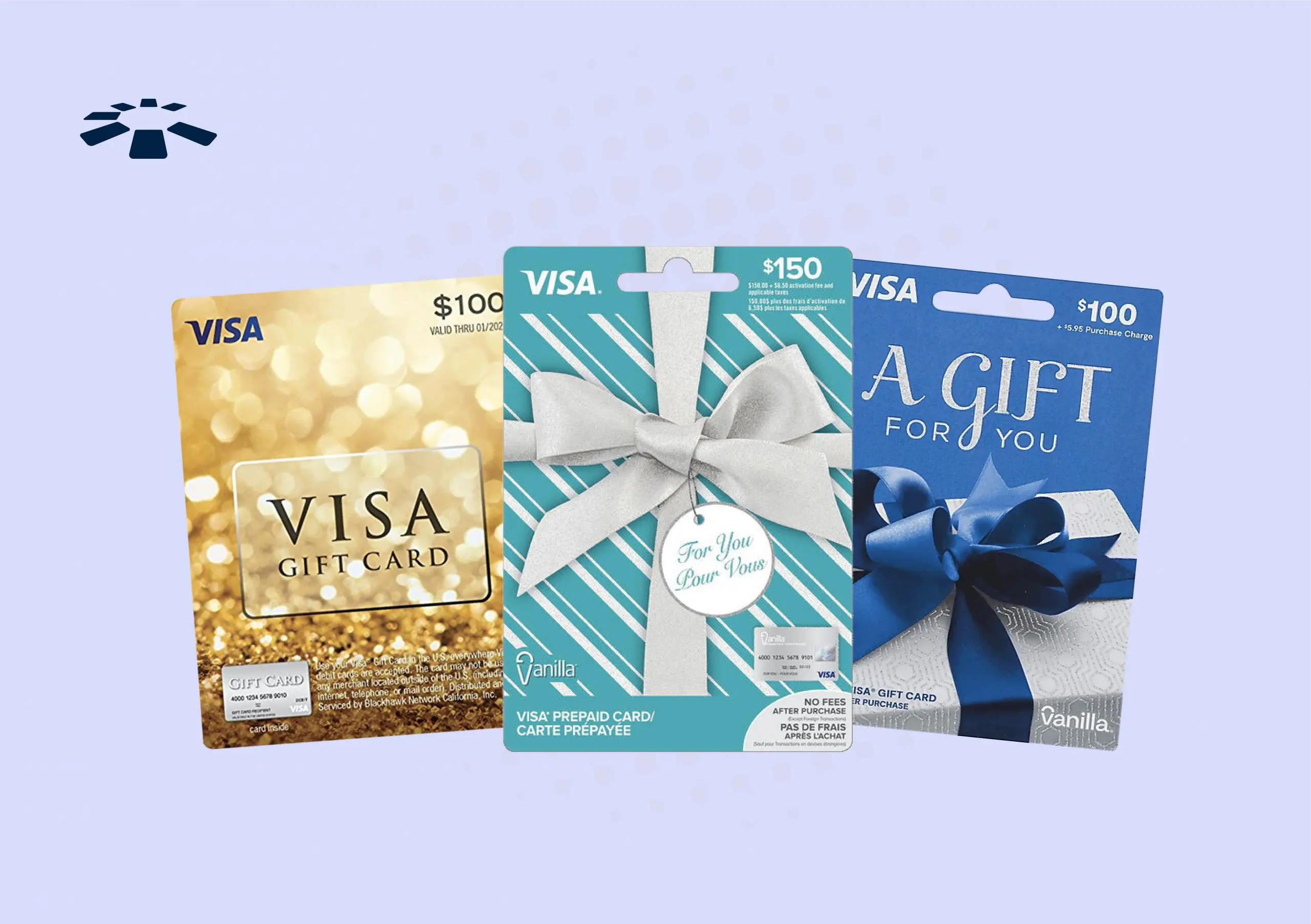

Imagine the thrill of receiving a Visa gift card. It feels like holding a mini treasure chest, promising the joy of purchasing anything your heart desires.
But what happens when you want to use that card on PayPal? You might feel a bit stuck, right? Don’t worry; you’re not alone. Many people are puzzled by this exact challenge. Here’s the good news: using a Visa gift card on PayPal is easier than it seems, and you’re about to learn how.
Picture the convenience of having your gift card seamlessly integrated into your PayPal account, ready to be used for your next online shopping spree. This guide will show you the straightforward steps to make it happen. Stick around, because by the end of this article, you’ll have unlocked a new way to enjoy your gift card. Let’s turn that piece of plastic into a world of possibilities!
Setting Up A Paypal Account
Start by visiting the PayPal website. Click on the Sign Up button. Choose the type of account you need. Personal accounts are great for regular use. Enter your email address and a strong password. Provide your personal details like name and address. Review the terms and conditions. Click Agree and Create Account.
Check your email for a PayPal message. Find the verification link in the email. Click on the link to verify your email. Log into your PayPal account. Add a bank account or card for verification. Follow the instructions on the screen. You might need to enter a code sent to your bank. Your account will be ready once verified. This step is important for security.
Checking Visa Gift Card Balance
Visit the card issuer’s website. Look for a link that says “Check Balance.” Enter your card number. Then, type the expiration date. Next, enter the security code. This is often on the back of the card. Press the submit button. Now, see your card balance. It’s simple and fast.
Find the customer service number on the card. Call the number. Speak to the representative. Ask for your balance. Provide your card number. Share the expiration date. Mention the security code. Wait for the information. They will tell you the balance. It is easy to do.
Linking Visa Gift Card To Paypal
Log into your PayPal account. Find the Wallet tab at the top. Click on it. You will see the option for Payment Methods. This is where you manage your cards. It’s easy to find.
Spot the Link a card option. Click on it. A new form will open. This is where you add your card details. Make sure to choose credit or debit card when asked. It’s straightforward.
Enter your Visa Gift Card number. Add the expiration date. Don’t forget the security code. Ensure all details match the card. Then, click save. Your card is now linked.
Confirming The Card
Before using your Visa Gift Card on PayPal, check for test charges. These charges show if the card is active. Look at the card statement online or call the card company. Make sure there are no surprise fees. Sometimes, PayPal puts a small test charge. This checks if the card works. This amount is usually less than a dollar. It helps to confirm the card’s status. If you see this charge, your card is ready for use. If not, contact the card company for help.
Add the Visa Gift Card to PayPal. Go to your PayPal wallet. Click on ‘Link a card’. Enter the card details carefully. Make sure to type the card number correctly. PayPal might ask you to verify your card. This is for safety. They might send a small charge to the card. Check your card statement for this charge. Once confirmed, you can use the card on PayPal. This process is quick and easy. Enjoy using your gift card on PayPal.
Using Visa Gift Card For Transactions
Choose the Visa gift card as your payment method during checkout. Make sure to enter the card details correctly. The card number, expiration date, and CVV are important. Double-check each entry. This prevents errors.
Check the balance on your Visa gift card. It should cover the total amount. Add up all charges. Include taxes and shipping. Insufficient balance means the transaction won’t go through. Always ensure enough funds.
Troubleshooting Common Issues
Using a Visa Gift Card on PayPal can sometimes be tricky. Ensure the card is activated before linking it. Enter details exactly as shown on the card to avoid errors.
Declined Transactions
Visa Gift Cards may face declined transactions on PayPal. This happens if the card lacks sufficient funds. Also, check if the card is activated properly. Sometimes, the card’s billing address needs to match PayPal’s records. Ensure the details are accurate and updated. If it still fails, contact the card issuer for help.
Updating Card Information
Updating card details on PayPal is important. First, log in to your PayPal account. Go to the Wallet section. Click on the card you want to update. Make sure to enter correct details. Check the expiration date and CVV code. Double-check for any typing errors. Save the changes. This ensures smooth transactions.
Benefits Of Using Gift Cards On Paypal
Security and Privacy are key reasons for using gift cards on PayPal. Gift cards protect your identity. There is no need to share personal bank information. This adds a layer of safety. Online shopping becomes worry-free. Plus, you avoid sharing credit card details. This keeps your financial data private. Gift cards are a smart choice for online payments.
Budget Management is simple with gift cards. You spend only what is on the card. No surprise bills at the end of the month. This helps control spending. Gift cards prevent overspending. They teach kids about money limits. Using gift cards can help save money. It’s easy to stick to a budget with them.

Frequently Asked Questions
Can I Add A Visa Gift Card To Paypal?
Yes, you can add a Visa gift card to PayPal. Simply log into your PayPal account and navigate to the ‘Wallet’ section. From there, click on ‘Link a Card’ and enter your Visa gift card details. Ensure the card has sufficient balance and is active.
Does Paypal Accept All Visa Gift Cards?
PayPal generally accepts most Visa gift cards. However, some cards may have restrictions that prevent linking. Check with the card issuer for compatibility. Ensure the card is registered with your address for successful linking. PayPal may require verification for certain cards.
How Do I Use A Visa Gift Card On Paypal?
Using a Visa gift card on PayPal is straightforward. First, add the card to your PayPal wallet. Then, select it as a payment method during checkout. Ensure the card has enough balance to cover the transaction. This method is useful for online purchases.
Are There Fees For Using A Visa Gift Card?
PayPal does not charge fees for using a Visa gift card. However, check with your card issuer for any applicable fees. Some cards may have activation or maintenance fees. Always review terms before using your Visa gift card on PayPal.
Conclusion
Using a Visa gift card on PayPal is simple and convenient. Follow the steps outlined to avoid any issues. First, check your card balance. Then, add it to your PayPal account. Next, make purchases as you normally would. Enjoy the flexibility Visa gift cards offer through PayPal.
This process helps you spend your card balance easily. Save time and effort with this method. If you encounter issues, contact PayPal support. Always monitor your transactions for security. Now, you’re ready to make the most of your Visa gift card through PayPal.