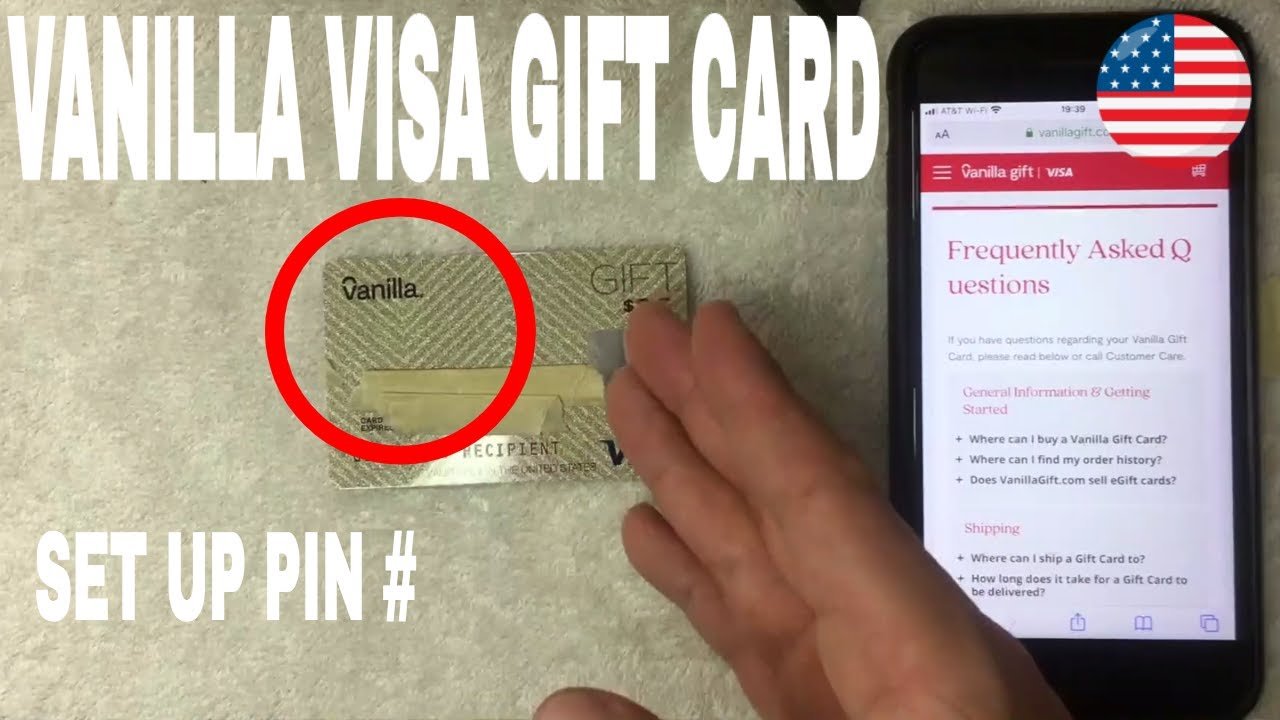

Are you struggling to find the PIN on your Visa gift card? You’re not alone.
Many people face this challenge, and it can be frustrating when you want to make a purchase but can’t access your funds. Knowing how to locate your card’s PIN can unlock a world of convenience for shopping, online purchases, and more.
In this guide, you’ll discover simple steps and helpful tips to quickly find your Visa gift card PIN. Don’t let confusion hold you back—read on to empower yourself with the knowledge you need to use your gift card hassle-free!

Credit: www.meijer.com
What Is A Visa Gift Card?
A Visa gift card is a prepaid card. It works like cash. You can use it to buy items anywhere Visa is accepted.
These cards are popular for gifts. They allow the receiver to choose what they want. This makes them a flexible option for any occasion.
You can find Visa gift cards at many stores. They come in different amounts. Some cards even let you add more money later.
Using a Visa gift card is easy. Just swipe it like a credit card. You can also use it online.
Each card has a unique number. This number helps track your spending. You can check your balance online too.
Overall, Visa gift cards are simple to use. They provide a convenient way to give gifts.
Why You Need A Pin
Understanding why you need a PIN for your Visa gift card is essential for security and convenience. A PIN acts as a protective barrier that safeguards your funds. Without it, you could face potential risks and limitations in how you can use your card.
Protect Your Funds
Your Visa gift card holds real money. If someone gets ahold of your card number, they could easily misuse it without a PIN. Setting a PIN adds an extra layer of security, ensuring only you can access your balance.
Make Transactions Easier
A PIN simplifies your shopping experience. When you pay at the register, entering your PIN can speed up the process. Instead of signing receipts or providing additional information, you just enter a few digits.
Access Cash When Needed
Having a PIN allows you to withdraw cash from ATMs. This can be particularly helpful in emergencies. Imagine being on a trip and needing cash for an unexpected expense; a PIN enables you to do just that.
Manage Your Spending
Using a PIN can help you track your spending more effectively. Each transaction that requires your PIN makes you more mindful of your purchases. This can be especially beneficial if you’re trying to stick to a budget.
Avoid Fraudulent Activities
Fraudulent activities can happen anytime, anywhere. A PIN acts as a deterrent against unauthorized transactions. If your card is lost or stolen, having a PIN means that the thief would still need that number to make purchases.
Have you ever experienced a situation where you felt uneasy about using your card? This is why knowing your PIN and protecting it is crucial. It gives you peace of mind, knowing that your funds are secure.
Checking The Card Packaging
Finding the PIN for your Visa gift card can be simple. Start by checking the card packaging. The PIN is often printed on the card’s packaging. This is the first place to look.
The Front Of The Packaging
Look closely at the front of the packaging. Many cards have a sticker or label. This label usually shows the PIN. Check for any small print as well.
The Back Of The Packaging
Don’t forget to check the back. Sometimes, the PIN is printed here. Ensure you look carefully. You might find it near barcodes or other numbers.
Included Instructions
Read any included instructions. The packaging may have a guide. This guide could explain where to find the PIN. Pay attention to all details provided.
Contact Information
Check for customer service information. If you can’t find the PIN, call for help. The customer service team can guide you. They know how to help with these cards.

Credit: www.wikihow.com
Contacting Customer Support
Contacting customer support can often feel daunting. However, when you need to find the PIN on your Visa gift card, it’s one of the most effective options. Customer support representatives are trained to assist you with issues like this, and they can provide the answers you need in a timely manner.
Gather Your Information
Before reaching out, gather all necessary details. Have your Visa gift card on hand. You’ll need the card number, expiration date, and possibly the security code on the back.
Prepare to share any information that verifies your identity. This could include your name, address, and the purchase location of the card. Having this information ready will streamline your call.
Choose The Right Contact Method
Most Visa gift cards come with a customer service number printed on the back. This is often the quickest way to get assistance. You can also check the card issuer’s website for additional contact options.
- Phone support: Direct and personal.
- Email support: Great for non-urgent inquiries.
- Live chat: Instant responses without the wait.
Be Clear And Concise
When you finally reach a representative, be clear about your issue. Explain that you need assistance finding the PIN for your gift card. This helps them address your concern quickly.
Don’t hesitate to ask specific questions. For example, “Can you guide me through the process of retrieving my PIN?” This shows that you’re engaged and serious about resolving the issue.
Follow Up If Necessary
If the initial contact doesn’t resolve your issue, don’t hesitate to follow up. Keep a record of your conversation, including the representative’s name and any reference numbers given.
Persistence pays off. You deserve to have access to your funds, and customer support is there to help you achieve that.
Have you ever faced difficulties finding your gift card PIN? Sharing your experience can help others who might be in the same situation.
Setting Up A Custom Pin
Finding the PIN for a Visa gift card is simple. Start by checking the card packaging or receipt for the PIN information. You can also visit the card issuer’s website or call their customer service for assistance.
Setting up a custom PIN for your Visa gift card can enhance its security and make transactions smoother. A personalized PIN allows you to have better control over your spending and helps prevent unauthorized use. Here’s how to easily set up your custom PIN.
Understanding The Importance Of A Custom Pin
Creating a custom PIN gives you peace of mind. It ensures that only you can access the funds on your card. Without a PIN, anyone who has the card can use it, which can be risky.
A unique PIN adds an extra layer of security. If you lose your card, having a custom PIN makes it harder for someone else to use your funds.
How To Set Up Your Custom Pin
Setting up your PIN is straightforward. First, locate the card issuer’s website or customer service number. Most cards allow you to set up your PIN online or over the phone.
1. Visit the Issuer’s Website
Look for a section related to card management.
2. Call Customer Service
If you prefer speaking to someone, dial the number on the back of your card.
3. Follow Instructions
Whether online or over the phone, you will be guided through setting your custom PIN.
Keep your new PIN memorable but not easy to guess. Avoid using birthdays or simple sequences like “1234.”
Using Your Custom Pin
Once your custom PIN is set, you can start using it immediately. Whether you’re shopping online or in-store, enter your PIN when prompted.
If you ever forget your PIN, don’t panic. You can reset it by following the same steps outlined above.
Have you ever experienced the inconvenience of forgetting a PIN? It can be frustrating, but with a custom PIN, you’ll feel more secure knowing your funds are protected.
Setting up your custom PIN is a simple but effective way to safeguard your Visa gift card. It’s an essential step in managing your finances while enjoying the convenience of a gift card.
Using The Card Without A Pin
Many people want to use a Visa gift card without a PIN. This is possible. You can use the card for many purchases without needing a PIN number. Here are some ways to do it.
Making In-store Purchases
Use your Visa gift card at stores. Present it like cash. Tell the cashier you want to use the gift card. They will swipe it. No PIN is needed for most purchases.
Online Shopping
Shopping online is easy with a Visa gift card. Enter the card number during checkout. Include the expiration date and security code. No PIN is necessary for online transactions.
Paying Bills
You can also use your Visa gift card to pay bills. Many billers accept gift cards. Just enter the card details as you would with a credit card. No PIN is required.
Using For Subscriptions
Some subscription services accept Visa gift cards. This includes streaming services. Enter the card information in the payment section. You can enjoy your subscriptions without a PIN.
Checking Your Balance
Always check your balance before using the card. You can do this online or by calling customer service. Knowing your balance helps avoid issues during checkout.
Troubleshooting Common Issues
Encountering issues while trying to find your PIN on a Visa gift card can be frustrating. You might feel stuck, especially if you’re eager to use your card. Here are some common problems you might face and how to solve them effectively.
Trouble Accessing The Card Information
If you’re unable to access the card information online, check if you are entering the details correctly. Ensure that you are using the exact card number and any other required information, such as the expiration date.
Sometimes, the website may be down or experiencing high traffic. If this happens, try again later or use a different device.
Pin Not Displaying
If your PIN isn’t showing up after you’ve entered the required details, check if your card requires activation. Some Visa gift cards must be activated before you can access the PIN.
Also, consider reaching out to customer service. They can provide you with the necessary steps to retrieve your PIN.
Card Declined At Checkout
It can be embarrassing when your card gets declined. This may happen if there are insufficient funds or if the merchant does not accept gift cards.
Make sure to check your balance online or via the mobile app. If the balance is fine, confirm that the store accepts Visa gift cards.
Expired Card Issues
Using an expired card is another common issue. Always check the expiration date before attempting to make a purchase.
If your card has expired, contact customer service for potential options. They may offer a replacement card or help you with any remaining balance.
Forgotten Pin
Forgetting your PIN can be a hassle. Unfortunately, most gift cards do not allow for a PIN reset directly.
In this case, customer service is your best bet. They can guide you through any identification processes to verify your identity and help you access your PIN.
Have you ever faced any of these issues? Share your experiences and how you resolved them in the comments below!
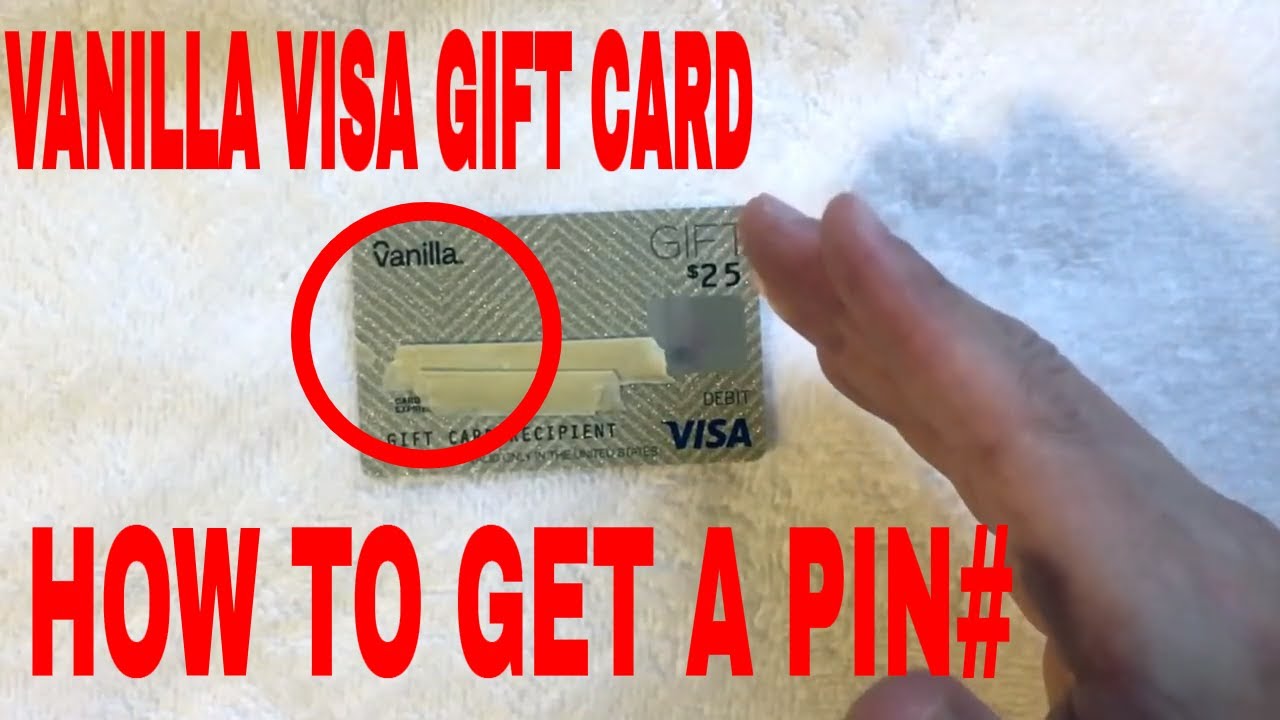
Credit: www.youtube.com
Tips For Secure Usage
Using a Visa gift card can be a convenient way to manage your spending, but ensuring secure usage is vital. Whether you received a gift card for your birthday or purchased one for a friend, knowing how to protect your balance and information can save you from potential headaches. Here are some practical tips to help you use your Visa gift card safely.
Keep Your Pin Confidential
Your PIN is the key to accessing your funds. Never share it with anyone, not even family or friends. If someone has your PIN, they can easily deplete your card’s balance.
Store your card in a safe place and consider memorizing the PIN instead of writing it down. If you do write it down, keep it in a secure location where only you can access it.
Monitor Your Balance Regularly
Regularly checking your balance helps you stay aware of your spending and detect any unauthorized transactions. Many gift cards offer online access where you can view your balance and transaction history.
Set reminders to check your balance every few weeks. Keeping track of your funds can help you catch any suspicious activity early.
Use Secure Payment Methods
When making online purchases with your gift card, ensure the website is secure. Look for URLs that begin with “https://” as they indicate a secure connection.
Only use your gift card on trusted websites. If you’re unsure, do a quick search to see if the site is reputable.
Report Lost Or Stolen Cards Immediately
If your Visa gift card is lost or stolen, act fast. Contact the issuer right away to report the loss. Many companies have policies in place to help you recover your funds.
Keep the card’s details handy, including the card number and the customer service number. This information can expedite the reporting process.
Be Wary Of Phishing Scams
Scammers often target gift card users through phishing emails or texts. Be suspicious of unsolicited messages asking for your card information.
Never click on links or provide personal information in response to these messages. Always verify the source before taking any action.
Have you ever encountered a suspicious message? Sharing your experiences can help others stay alert.
Use Your Card Quickly
Gift cards can have expiration dates or fees that diminish their value over time. Try to use your card sooner rather than later to avoid losing funds.
Plan your purchases and keep track of your card’s expiration date. This can help you maximize the value of your gift card.
Frequently Asked Questions
How Do I Find The Pin For My Visa Gift Card?
To find the PIN for your Visa gift card, check the packaging or any accompanying documentation. Often, the PIN is included with the card details. If you can’t find it, visit the card issuer’s website for instructions or contact customer service for assistance.
Can I Use A Visa Gift Card Without A Pin?
Yes, you can use a Visa gift card without a PIN for most transactions. However, for certain purchases, especially at gas stations or restaurants, a PIN may be required. Always check the terms and conditions associated with your specific card for more details.
Where Can I Locate My Visa Gift Card Pin?
Your Visa gift card PIN may be found on the card’s packaging or receipt. If it’s not there, you might need to register your card online. Some issuers allow you to set or retrieve your PIN through their website or customer service.
Is The Pin Required For Online Purchases?
Typically, a PIN is not needed for online purchases with a Visa gift card. You can enter the card number and expiration date for transactions. However, always check with the merchant, as some may have different requirements.
Conclusion
Finding the PIN on your Visa gift card can be simple. Follow the steps outlined in this post. Check the back of the card for instructions. You may need to visit the card’s website for more details. Keep your card safe and secure.
Knowing your PIN helps you use your gift card easily. Don’t forget to write it down somewhere safe. With this guide, you can confidently manage your Visa gift card. Enjoy your shopping experience!
References
- Quickcash: secure transfer payment systems
- The Factors of customer who choose credit card or debit card for payment when they are go broad
- The cards aren’t alright: Detecting counterfeit gift cards using encoding jitter
- Verified by Visa and MasterCard SecureCode: Or, How Not to Design Authentication: (Short Paper)
- [B] Review of Some Online Banks and Visa/Master Cards Issuers



